

Introduction to Workflow Transactional Email
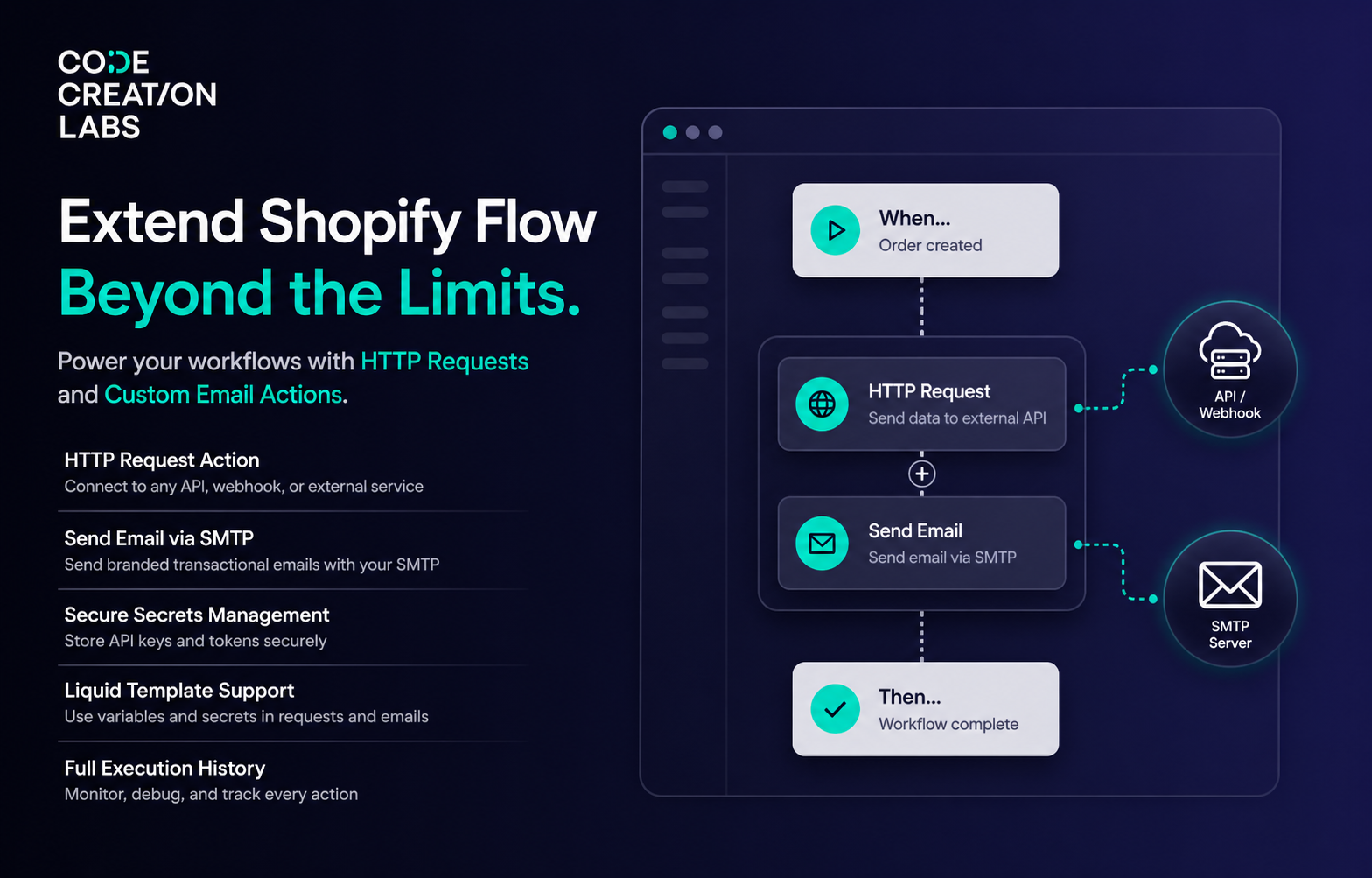
Shopify Flow is a powerful automation platform, but its built-in action library has limits. You can trigger workflows and set conditions, but when it comes to doing something with an external service - calling an API, or sending a branded email from your own mailbox - native Flow falls short.
Workflow Transactional Email bridges that gap. It adds two actions to Shopify Flow, Send Transactional Email and HTTP Request, letting you connect your workflows to any external API, webhook, CRM or mailbox - without writing a single line of code.
What makes it different
Native Shopify Flow handles internal Shopify actions well: tagging, publishing, inventory adjustments. What it lacks is outbound connectivity, the ability to reach beyond Shopify and interact with external systems. This app focuses precisely on that gap:
- Send email from your own mailbox. Connect Microsoft 365 or Google with one click, or point the app at any SMTP server. Your domain, your reputation, your branding.
- A real email designer. Build layouts from blocks - headings, text, images, buttons, two-column rows, loops and QR codes - or write your own HTML. Reusable headers and footers keep every message on-brand.
- HTTP requests on every Shopify plan. Shopify's own Send HTTP request action is limited to certain plans. This one is not, so Basic stores can still push data to any API.
- Secure secrets management. Store API keys, tokens and passwords once, then reference them anywhere as
{{ secrets.keyName }}. They are envelope-encrypted at rest with Cloud KMS and decrypted only while an action runs. - Liquid templating. Build dynamic subjects, bodies, URLs and request payloads with
{{ variables.xxx }}placeholders populated from Flow. - Full execution history. Every send and every request is logged with its request and response detail, so debugging is a click rather than a guess. Any past action can be resent.
- No Shopify data scopes. The app requests no access scopes at all. It does not read your products, orders or customers - it only executes the outbound requests and emails you configure.
The two Flow actions
Send Transactional Email
Sends an email using a sender and an email layout you configured in the app.
| Field in Shopify Flow | What it does |
|---|---|
| To Email(s) | One or more recipients, one per line. Usually a Flow variable such as {{customer.defaultEmailAddress.emailAddress}} |
| CC Email(s) | Optional CC recipients, one per line |
| BCC Email(s) | Optional BCC recipients, one per line |
| Variables (JSON) | Custom data for the layout, for example {"customerName": "John", "orderId": "12345"}, referenced as {{ variables.customerName }} |
The sender and the layout are chosen on the action's own configuration screen (Send from and Template), not in these fields.
The action returns a result that later Flow steps can branch on:
| Return field | Values |
|---|---|
status |
SENT or FAILED |
messageId |
The provider's message id, when available |
provider |
GOOGLE, MICROSOFT, SMTP or DEFAULT |
HTTP Request
Runs an HTTP request you saved in the app.
| Field in Shopify Flow | What it does |
|---|---|
| Variables or Body Override (JSON) | Either custom variables referenced as {{ variables.xxx }} in the URL, headers and body, or a body override: pass {"body": {...}} to replace the configured request body entirely |
It returns:
| Return field | Values |
|---|---|
status |
The HTTP status code |
response |
The response body as stringified JSON |
[!NOTE] Shopify Flow caps an action's response at 50 KB. If a test response exceeds that, the app tells you and blocks saving, rather than letting the step fail later inside a live workflow.
Around the app
| Page | What it is for |
|---|---|
| Home | Setup guide, usage against your plan, success rate, an actions chart and recent activity |
| Email Senders | Connected Microsoft 365 and Google accounts, SMTP servers, and the test-send dialog |
| Email Layouts | The emails themselves - subject, design, attachments, test variables |
| Header & Footer | Reusable header and footer presets shared across layouts |
| HTTP Requests | Saved request templates: method, URL, headers, body |
| Secrets | Encrypted values you reference as {{ secrets.keyName }} |
| History | Every execution with status, timing, request and response detail |
| Settings | Custom fonts for your email layouts |
| Help | Support contacts, documentation links and your plan |
Notification settings live behind the bell icon on the Dashboard's Events card, not on the Settings page. See Notifications and alerts.
See it in action
Sending a custom HTTP request from Shopify Flow (the video has no sound):
Sending a branded email through your own SMTP server (the video has no sound):
Plans and limits
| Plan | Price | Actions per rolling 30 days | Attachment storage |
|---|---|---|---|
| Free | $0 | 500 | 500 MB |
| Starter | $15 / month | 5,000 | 2 GB |
| Grow | $35 / month | 15,000 | 10 GB |
| Unlimited | $100 / month | Unlimited | 50 GB |
Annual billing is available on every paid plan and works out cheaper than monthly. One "action" is one email sent or one HTTP request executed. Every plan includes all features - the plans differ only in volume and storage. See Plans and usage.
Next steps
Work down this list in order:
- Email senders overview - decide how your email should leave the store.
- Send email from Shopify Flow with a custom SMTP server - connect your own mail server and send your first branded email.
- Send email from Shopify Flow with Microsoft 365 - send from a Microsoft 365 or Outlook mailbox.
- Send email from Shopify Flow with Google - send from a Google or Gmail mailbox.
- Build an email layout - design the email itself.
- Variables and Liquid - move Flow data into your subject and body.
- Attachments and images - add files and images to an email.
- Header and footer presets - keep every email on-brand.
- Make an HTTP request from Shopify Flow - call an external API from a workflow.
- Secrets - keep API keys and passwords out of your templates.
- History and troubleshooting - see every execution and fix failures.
- Frequently asked questions - the questions we get asked most.